

FeatureOS caches data locally to keep the dashboard fast. If you want to force the app to pull the freshest data from our servers, you can reload and clear the cache in one click.
Where to find it
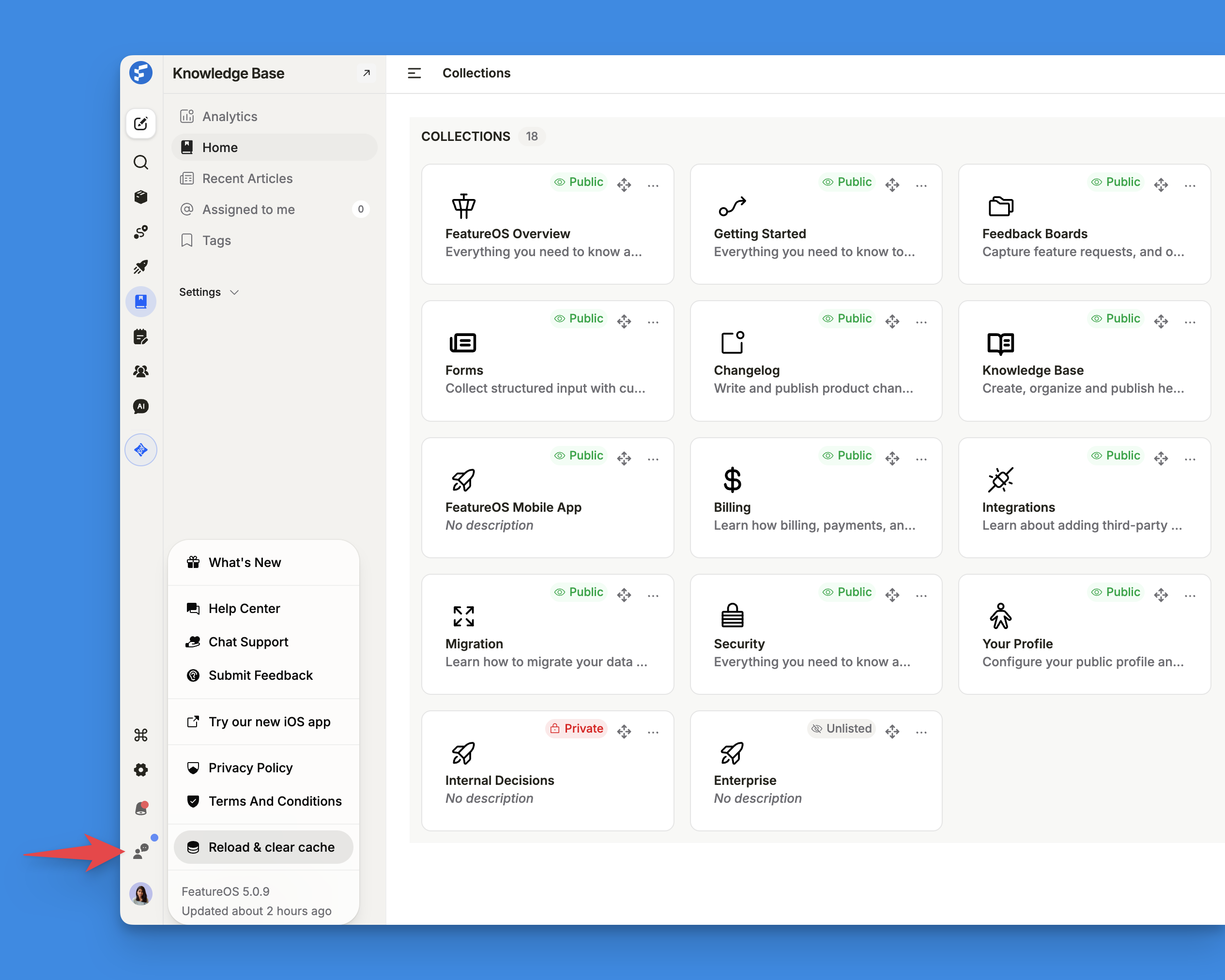
In the FeatureOS dashboard, look at the bottom of the left sidebar.
Click the Help icon (the chat bubble with a person icon) just above your profile avatar.
In the menu that pops up, click Reload & clear cache.
The dashboard will refresh with the latest data.
Need more help?
Reach out to our support at [email protected] or submit a request on our support board! 😃
Was this helpful?